How to Protect Your Personal Data Online
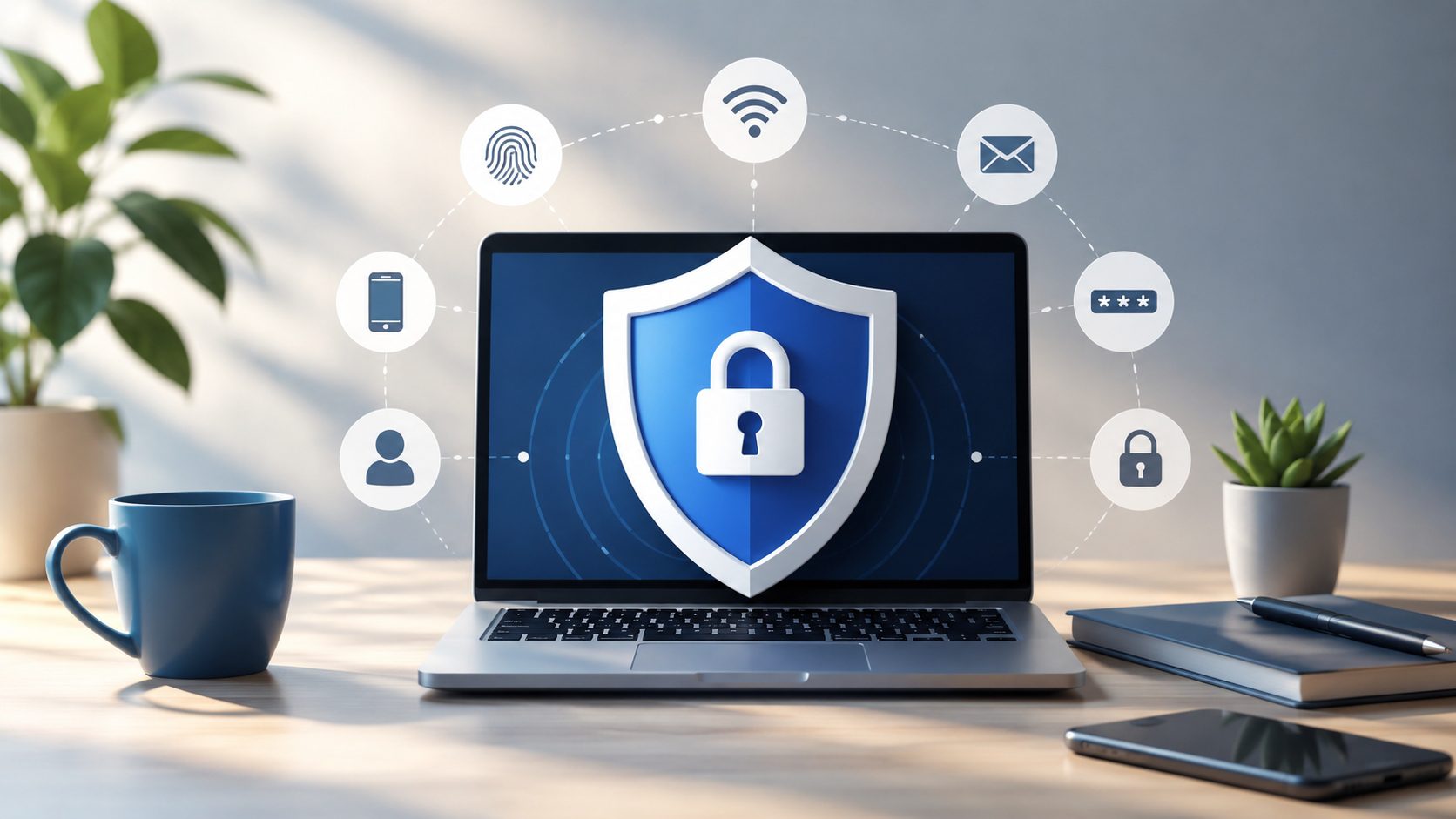
Every day, we share pieces of our lives online. From checking our bank accounts and shopping for groceries to posting photos and chatting with friends, much of modern life happens through connected devices. While this convenience makes many tasks easier, it also creates opportunities for cybercriminals to access personal information if we’re not careful.
The good news is that protecting your personal data doesn’t require advanced technical skills. A few simple habits can dramatically reduce your risk and help you maintain control over your digital life. Understanding the most common threats and taking practical precautions can go a long way toward keeping your information secure.
Start With Strong Passwords
Passwords remain one of the most important lines of defense for your online accounts. Unfortunately, many people still use weak passwords, reuse the same password across multiple sites, or rely on easily guessed information such as birthdays and pet names.
Security experts increasingly recommend using long, unique passwords for every account. According to guidance from the National Institute of Standards and Technology (NIST), longer passwords and passphrases are often more effective than short, complex combinations that are difficult to remember. You can learn more through NIST’s guide on creating strong passwords.
Managing dozens of unique passwords may sound overwhelming, but password managers make the process much easier. These tools securely store your credentials and can generate strong passwords automatically. The Federal Trade Commission’s password security recommendations offer additional practical advice for building safer online habits.
Enable Multi-Factor Authentication
Even the strongest password is not foolproof. Phishing scams, data breaches, and other attacks can sometimes expose login credentials. That is why multi-factor authentication (MFA) has become one of the most effective security measures available.
MFA requires an additional verification step when signing in, such as a code from an authentication app, a fingerprint, or a security key. This extra layer helps prevent unauthorized access even if someone obtains your password. The multi-factor authentication guidance from NIST explains why adding a second form of verification significantly improves account security.
Many popular services, including email providers, banking apps, and social media platforms, offer MFA for free. Taking a few minutes to enable it can dramatically reduce the likelihood of unauthorized access and provide peace of mind.
Learn to Recognize Phishing Attempts
One of the most common ways criminals steal personal information is through phishing. These scams often arrive as emails, text messages, or fake websites that appear legitimate at first glance.
A phishing message may claim there is a problem with your account, a missed package delivery, or an urgent security alert. The goal is usually to convince you to click a malicious link or provide sensitive information.
Before responding to any unexpected message, pause and verify the source. Check the sender’s address carefully, look for spelling errors, and avoid clicking links from unknown or suspicious messages. If a company contacts you about an account issue, it is generally safer to visit the company’s website directly rather than using a link provided in the message.
The Cybersecurity and Infrastructure Security Agency’s phishing awareness resources provide useful examples of common phishing tactics and explain how to identify suspicious communications before they become a problem.
Be Careful About What You Share
Protecting personal data is not only about passwords and security settings. It is also about being mindful of the information you choose to share online.
Many people unknowingly reveal details that can help scammers impersonate them or answer security questions. Information such as birth dates, addresses, phone numbers, travel plans, and family details may seem harmless individually, but together they can create a surprisingly complete picture of your identity.
Review the privacy settings on your social media accounts and consider limiting who can view your posts. It is also wise to think twice before participating in online quizzes or surveys that ask for personal details.
Public Wi-Fi networks deserve special attention as well. While convenient, unsecured networks can expose your information if you access sensitive accounts without proper protection. The Consumer Reports guide to protecting your data on public Wi-Fi offers practical advice for staying safe when connecting outside your home or workplace.
Keep Your Devices and Software Updated
Software updates may seem inconvenient, but they often contain important security fixes. Cybercriminals frequently target known vulnerabilities that have already been patched by software developers.
Keeping your operating system, browser, apps, and antivirus software up to date helps close these security gaps before they can be exploited. Most devices now offer automatic updates, making it easier than ever to stay protected.
It is also a good idea to back up important files regularly. If your device is lost, stolen, or affected by malware, having recent backups can save significant time, money, and stress. The cybersecurity basics guide from NIST highlights software updates and backups as essential parts of maintaining digital security.
Conclusion
Protecting your personal data online does not require constant worry or technical expertise. Small, consistent actions—such as using strong passwords, enabling multi-factor authentication, recognizing phishing attempts, limiting the information you share, and keeping software updated—can make a substantial difference.
The internet will continue to evolve, and so will online threats. By adopting a few smart habits and staying aware of potential risks, you can enjoy the benefits of the digital world while keeping your personal information far more secure.